

Download Foxit PDF Reader Mobile – mobile PDF viewer, PDF editing on Android, free PDF tool, Android PDF app, PDF forms, ConnectedPDF, secure PDF collaboration, mobile document management
Overview
Foxit PDF Reader Mobile is a comprehensive solution designed for users who need reliable access to PDF documents on Android devices. The application serves as both a viewer and a lightweight editor, enabling professionals and individuals to manage PDFs efficiently while on the move. It addresses common challenges such as document accessibility, form completion, and collaborative editing in remote or mobile work environments. Ideal for business users, freelancers, students, and anyone who frequently handles PDFs, the software supports a range of real-world tasks including reviewing contracts, filling out official forms, annotating reports, and sharing documents securely.
Developed by Foxit Software, Inc., the application is positioned as a free, full-featured tool that delivers robust functionality without requiring a subscription. The app is optimized for Android devices, offering a seamless experience across smartphones and tablets. Users can access their documents anytime, anywhere, making it particularly useful for field workers, remote teams, and mobile professionals. While the developer did not provide additional details about the company’s broader product ecosystem, the focus on mobile PDF management suggests a targeted approach to digital document workflows in mobile-first settings.
Key Features & Capabilities
- Full PDF Viewing and Navigation: Allows users to open, scroll through, and zoom in/out on PDF documents with smooth navigation, ideal for reading lengthy reports or contracts on smaller screens.
- PDF Editing Tools: Enables basic editing such as reordering pages, inserting or deleting pages, and adjusting page layouts directly on Android devices.
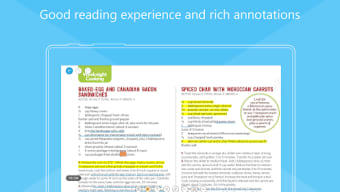
- Annotation and Note-Taking: Supports adding text notes, highlights, underlines, and freehand drawings to mark up documents, useful for reviewing proposals or marking feedback.
- PDF Form Filling: Provides intuitive tools to complete interactive PDF forms, including text fields, checkboxes, and dropdowns, with the ability to save form data for future reuse.
- Multi-Page View for Tablets: Offers a split-screen or tabbed layout on larger devices, improving productivity when comparing or reviewing multiple pages simultaneously.
- ConnectedPDF for Secure Collaboration: Facilitates secure sharing and tracking of document changes among team members, allowing real-time updates and version control within a protected environment.
These features support practical workflows such as approving documents remotely, collecting data from forms, and maintaining document integrity during team reviews. The integration of ConnectedPDF enhances trust in collaborative settings by ensuring that shared content remains secure and traceable.
User Interface, Workflow & Performance
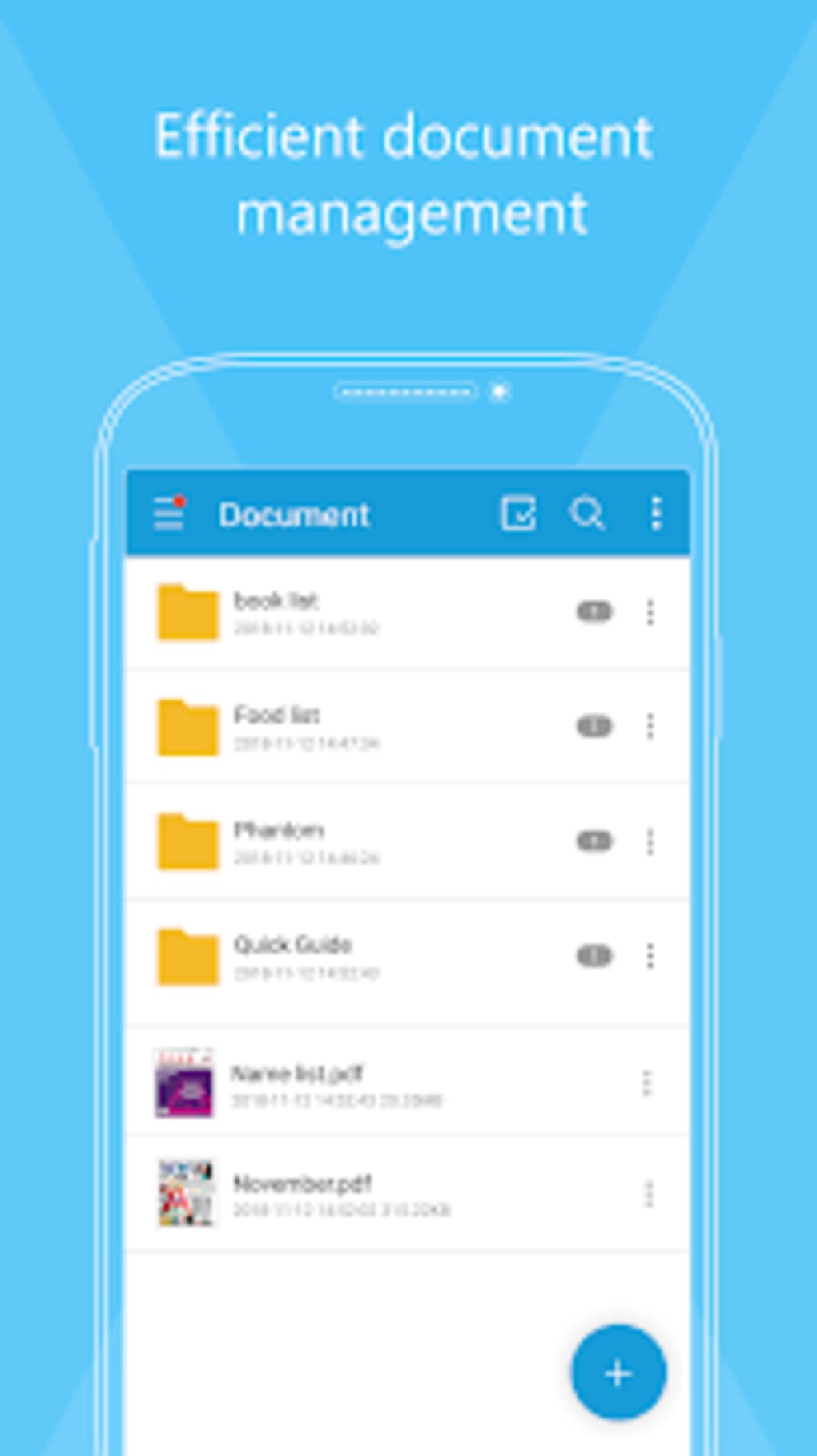
The user interface of Foxit PDF Reader Mobile is designed with mobile usability in mind, featuring a clean layout with accessible toolbars and intuitive gestures. Navigation is straightforward, allowing users to open files from local storage, cloud services, or email attachments with minimal steps. Common actions like zooming, rotating, and searching within a document are accessible via simple touch controls.
Workflow efficiency is enhanced through quick access to frequently used tools, including a dedicated toolbar for annotations and form filling. The app maintains responsiveness during typical use, though exact performance details were not specified. The developer did not provide information on CPU or RAM usage, so users should monitor performance based on their device’s capabilities. Stability appears consistent with standard mobile applications, but real-world behavior may vary depending on device hardware and Android version.
Compatibility & System Requirements
Foxit PDF Reader Mobile is designed to run on Android operating systems, with the current version listed as 10.0.1. The installation size is 50.3 MB, indicating a lightweight footprint suitable for most modern Android devices. The app supports both smartphones and tablets, making it adaptable to various screen sizes and usage scenarios.
Exact system requirements were not listed, including minimum Android version, RAM, or processor specifications. Platform compatibility information is limited to the operating system type. Users are advised to ensure their device meets general Android app requirements for smooth operation. The developer did not specify whether the app supports older Android versions or specific device models.
Pros and Cons
Pros
- Free to download and use with no hidden costs
- Full-featured PDF viewer and editor for mobile devices
- Supports secure collaboration via ConnectedPDF technology
- Intuitive interface tailored for touch-based interaction
- Multi-page view available on tablets for improved productivity
- Form filling and data saving capabilities for repeated use
Cons
- Exact system requirements not disclosed
- Performance behavior under heavy load not specified
- Limited information on cloud integration beyond basic file access
- No details on automatic update frequency or background processes
FAQ Section
Is Foxit PDF Reader Mobile compatible with all Android devices?
The app is designed for Android operating systems, but specific compatibility details such as minimum Android version or device requirements were not provided by the developer.
Is the app safe to download and use?
Yes, the application is available for free download from the Google Play Store, which provides a secure distribution channel. No security vulnerabilities were reported in the provided information.
Does the app require an internet connection to function?
Basic viewing and editing features can be used offline. However, certain functionalities like ConnectedPDF collaboration and cloud-based document sharing may require an active internet connection.
How often are updates released?
The release date for the current version is 2023-08-15, but the developer did not specify a regular update schedule or frequency.
Can I use this app for business or professional purposes?
Yes, the app includes tools such as form filling, annotation, and secure collaboration via ConnectedPDF, making it suitable for professional use in mobile work environments.
Final Thoughts + CTA
Foxit PDF Reader Mobile delivers a powerful, free solution for managing PDFs on Android devices. Its combination of viewing, editing, form handling, and secure collaboration tools makes it a strong contender for users seeking a reliable mobile PDF tool. While some technical details like system requirements and performance metrics are not available, the app’s core functionality is well-aligned with the needs of mobile professionals and everyday users alike.
With its intuitive design and robust feature set, it stands out as a practical choice for anyone managing documents on the go. Whether for work or personal use, the app offers a seamless experience without compromising on essential tools.
Download Foxit PDF Reader Mobile now






.png)
